

News
-

How to Connect a Mini Wireless Keyboard to vSeeBox
Oct 19, 2026 Vseebox Authorized DealerLearn how to connect a mini wireless keyboard to vSeeBox using a USB receiver, check battery installation, and troubleshoot common connection issues.
-
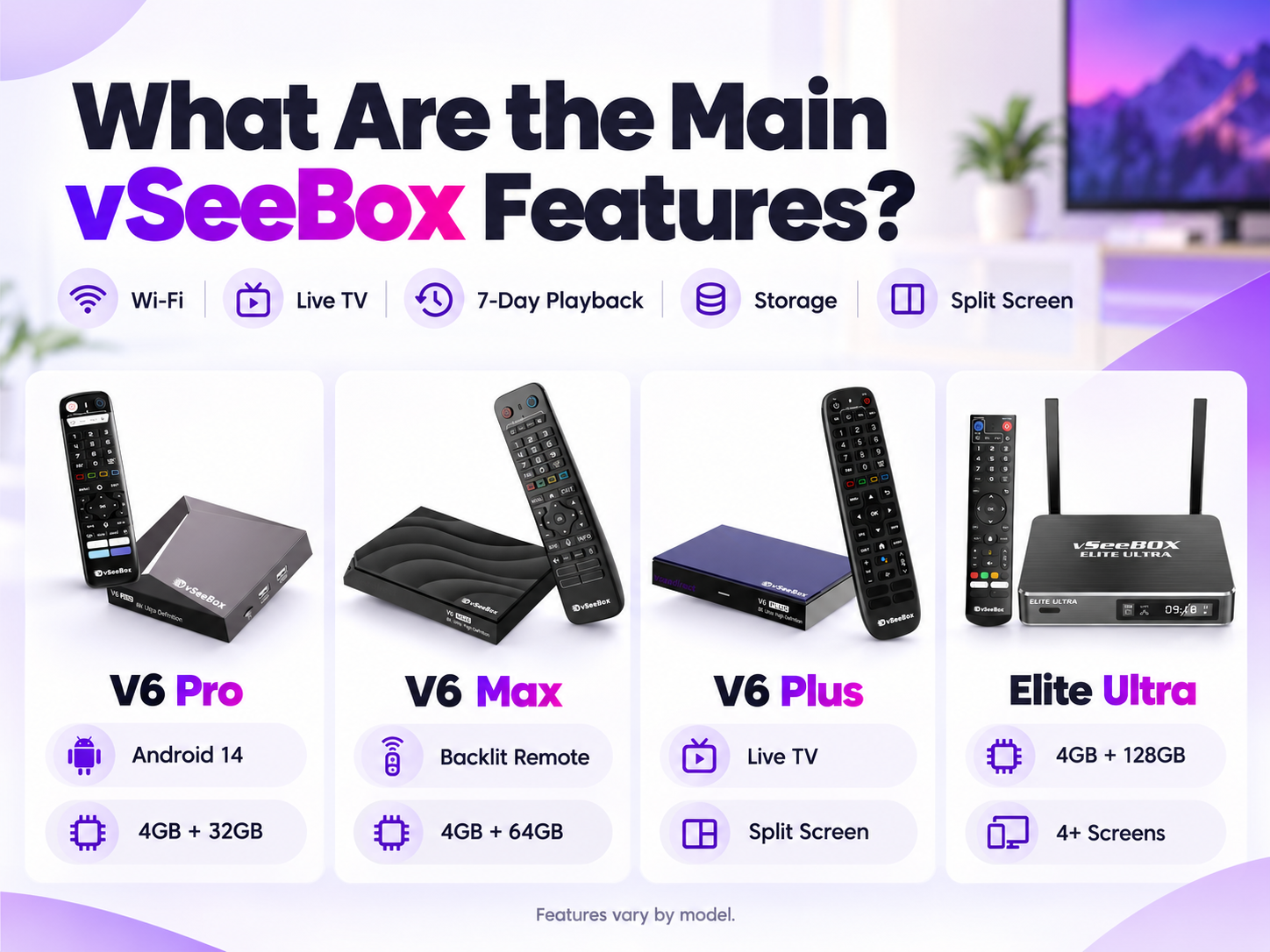
vSeeBox Features: What Should You Know?
Oct 16, 2026 Vseebox Authorized DealervSeeBox models offer features such as dual-band Wi-Fi, live TV, 7-day playback, and different storage capacities. The V6 Plus and Elite Ultra also support split-screen viewing. Available features vary by model, so compare specifications before choosing your device.
-
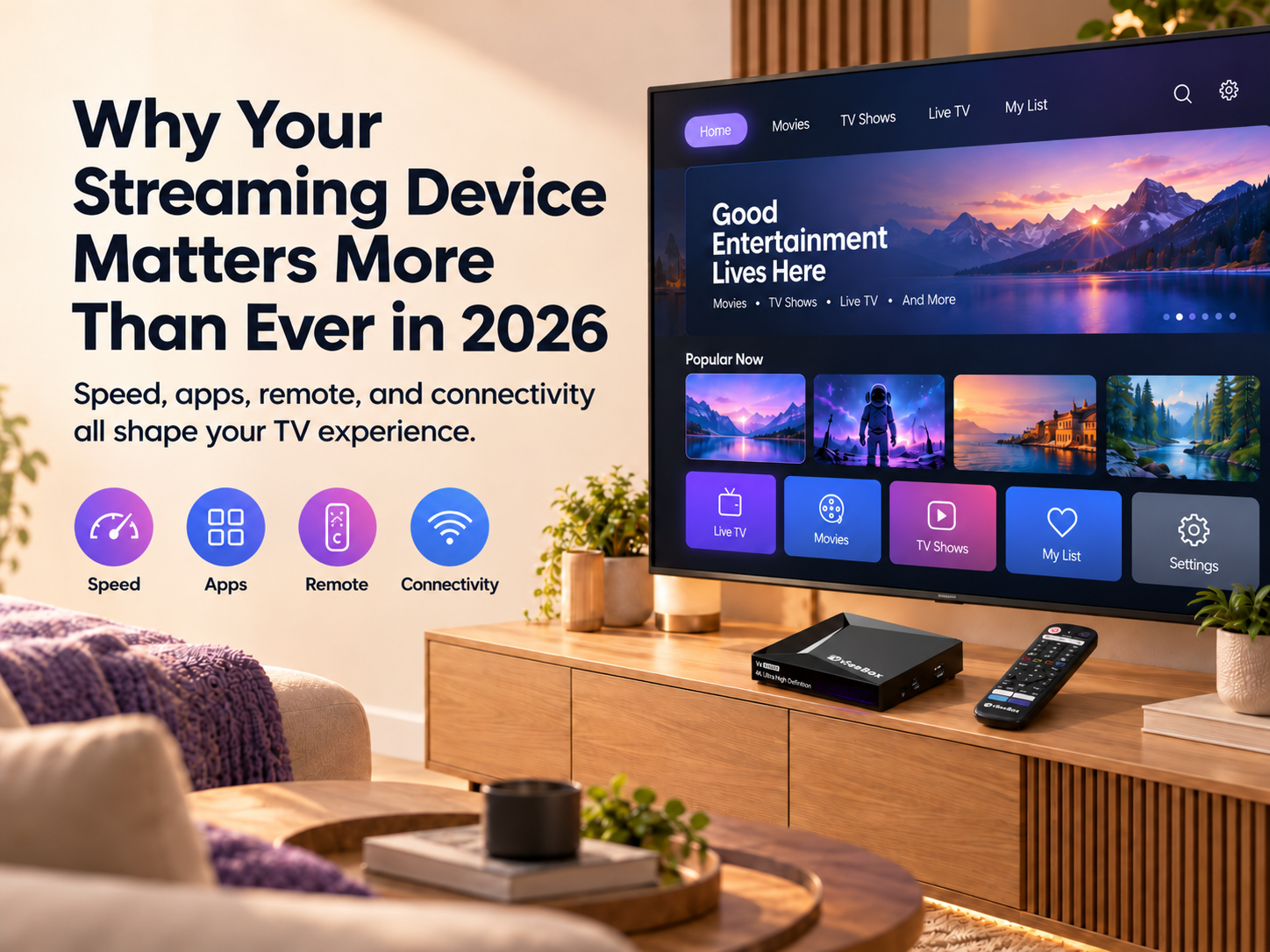
Why Your Streaming Device Matters More Than Ever in 2026
Oct 16, 2026 Vseebox Authorized DealerStreaming platforms are becoming a bigger part of the TV experience. Learn what to consider when choosing a streaming device for your home in 2026.
-
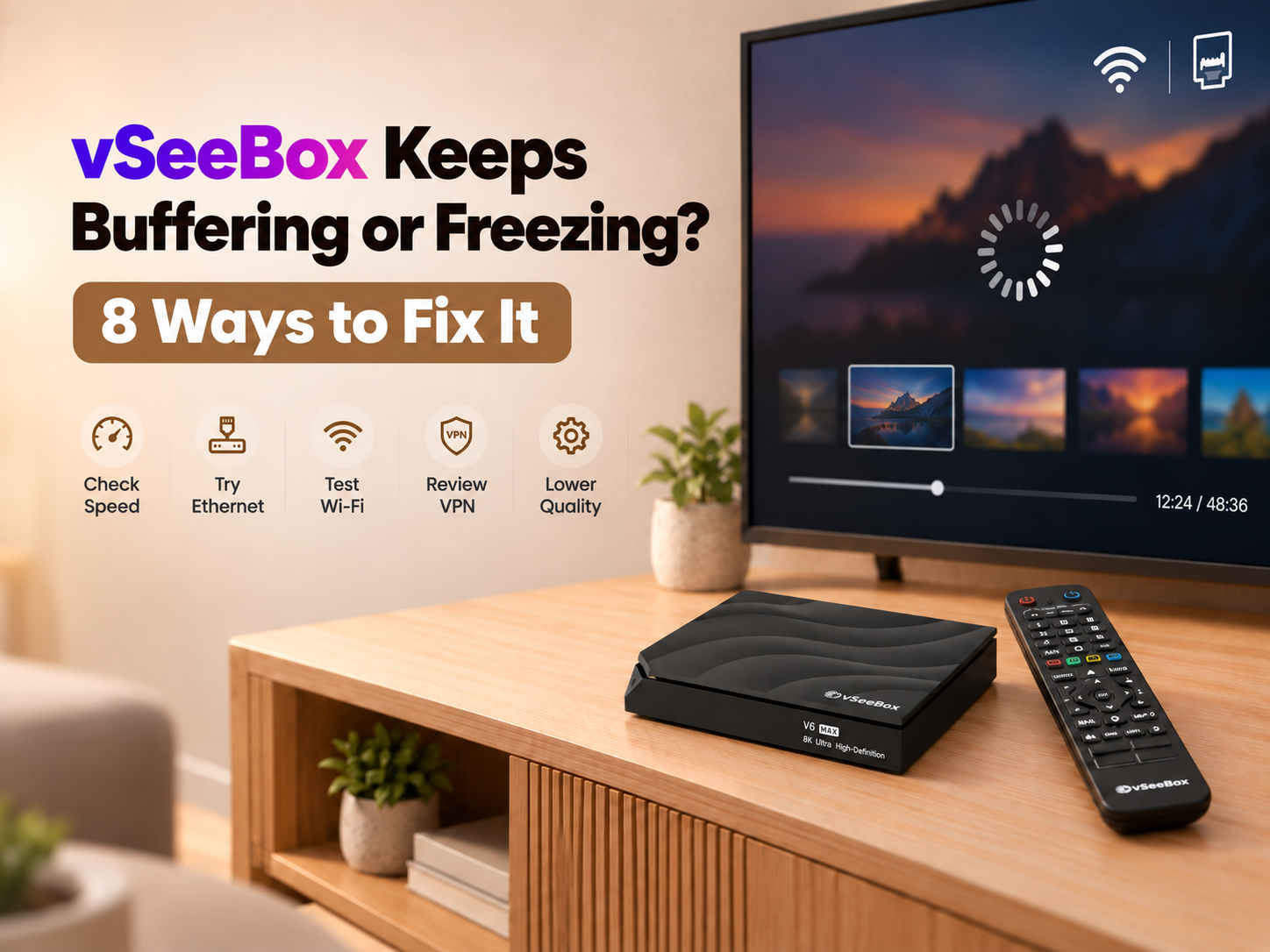
vSeeBox Keeps Buffering or Freezing? 8 Ways to Fix It
Oct 15, 2026 Vseebox Authorized DealerIs your vSeeBox buffering or freezing? Try these 8 troubleshooting steps to improve Wi-Fi, test Ethernet, adjust video quality, and fix playback issues.
-

Streaming Devices Are Getting Smarter in 2026 — Here’s What Actually Matters
Oct 15, 2026 Vseebox Authorized DealerStreaming devices are getting smarter, faster, and easier to use. Learn which features actually matter when upgrading your TV setup in 2026.
-
Stream Live Sports on vSeeBox
Oct 14, 2026 Vseebox Authorized DealerStream live sports on vSeeBox with Heat Live, EPG, search and playback. Learn what to do if you can’t find an event, join late, or experience buffering.