For years, buying a television was mostly about the screen.
Consumers compared screen size, picture quality, resolution, and price. The software running on the TV often received much less attention.
That is changing.
A major streaming-platform deal moved another step forward this week after shareholders approved the proposed transaction. The deal has not closed and still depends on remaining conditions, but the development highlights something that matters to everyday TV users: the software and streaming platform behind the screen have become an increasingly important part of the home entertainment experience.
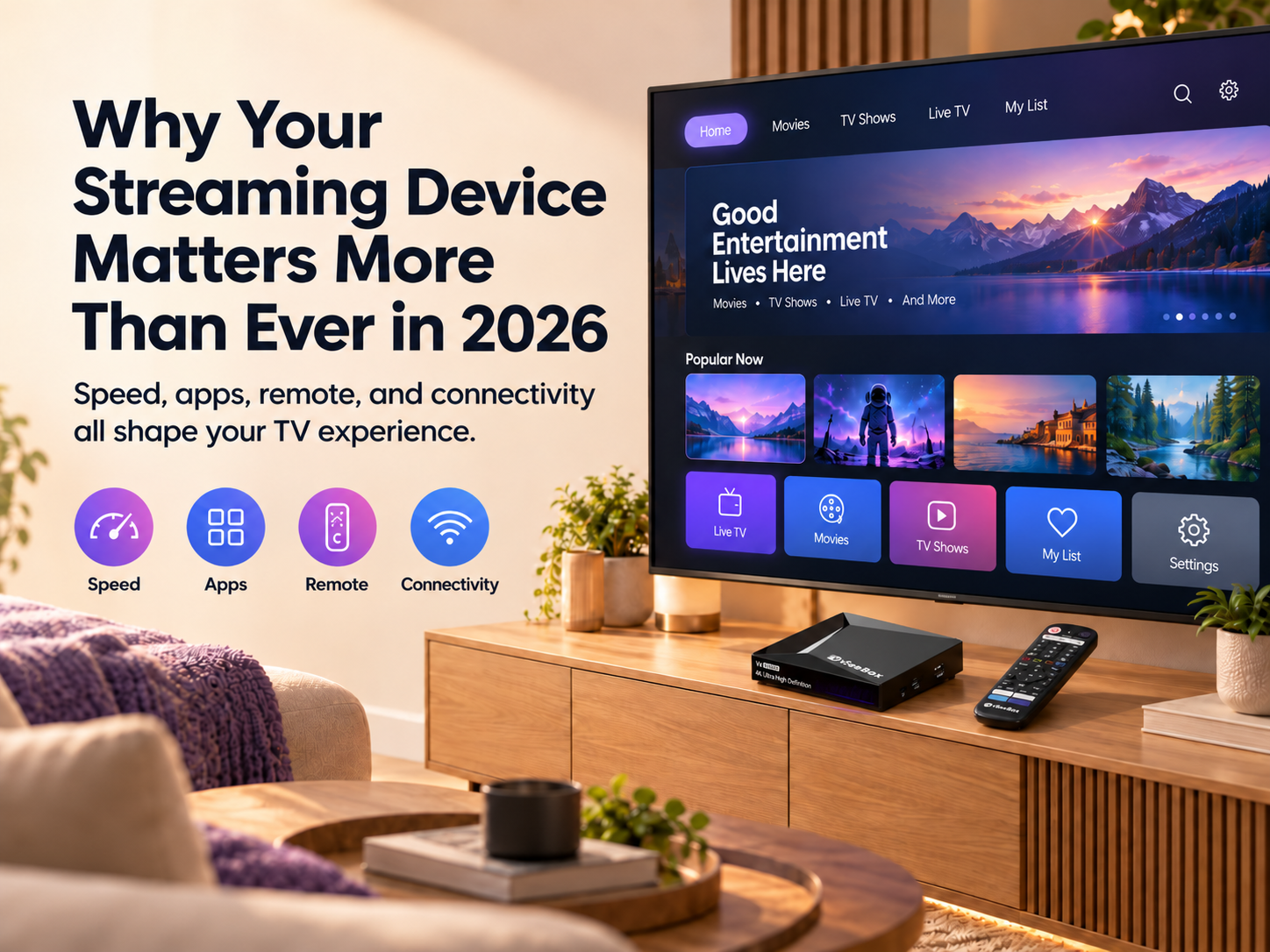
Today, your TV experience is shaped not only by the display itself, but also by how quickly you can open apps, find content, navigate menus, connect to the internet, and control the device.
That is why choosing the right streaming setup can matter almost as much as choosing the television.
Your TV Screen and Streaming Experience Are Different
A television can still have a good display even when its built-in smart interface begins to feel slow or limited.
The screen determines how the picture looks. The streaming platform helps determine how you interact with the TV.
It can affect:
-
Opening apps
-
Searching for content
-
Moving between menus
-
Installing supported apps
-
Managing settings
-
Using voice controls
-
Connecting accessories
If the display still works well but the software experience no longer meets your needs, replacing the entire television may not be necessary.
An external streaming device can provide a separate platform while continuing to use the same TV screen.
 Built-In Smart TV or External Streaming Device?
Modern smart TVs already include streaming software, and for many users the built-in system is enough.
If your TV opens apps quickly, supports the services you use, and provides a simple interface, there may be no reason to add another device.
An external streaming device becomes more useful when you want something your current TV does not provide, such as:
-
More storage
-
Faster navigation
-
A different operating system
-
Better remote features
-
More connectivity options
-
Support for newer video formats
The key advantage is flexibility.
You do not necessarily need to replace a working television simply because its smart features feel outdated.
Performance Still Matters
Specifications such as processor, RAM, and storage may sound technical, but they can affect everyday use.
RAM
Memory can influence how smoothly a device handles apps and system processes.
More RAM does not automatically mean better performance, but it is still useful to compare when choosing between devices.
Storage
Storage determines how much space is available for apps and other supported content.
Someone who installs only a few apps may need much less storage than a user who wants a more flexible entertainment setup.
If storage is important to you, it is worth taking time to compare vSeeBox models before deciding which device best fits your needs.
Processor
The processor helps power navigation, app loading, and other system functions.
Instead of choosing a device based only on processor names, ask practical questions:
-
Does the interface respond quickly?
-
Do apps launch smoothly?
-
Is there enough storage?
-
Does it support the video formats you need?
The overall experience matters more than one specification.
Your Network Is Part of the Streaming Experience
A streaming device is only one part of the system.
Internet speed, Wi-Fi stability, router placement, interference, and distance from the router can all affect playback.
This means more powerful hardware will not necessarily fix every buffering or connection problem.
Before replacing a device because streaming feels unstable, check your network first.
If you are already experiencing internet connection or buffering problems, checking your Wi-Fi or Ethernet connection may help you determine whether the issue comes from the network rather than the device itself.
For some households, improving router placement or using Ethernet where available can help create a more stable connection.
The best streaming setup combines suitable hardware with a reliable network.
 Do Not Overlook the Remote
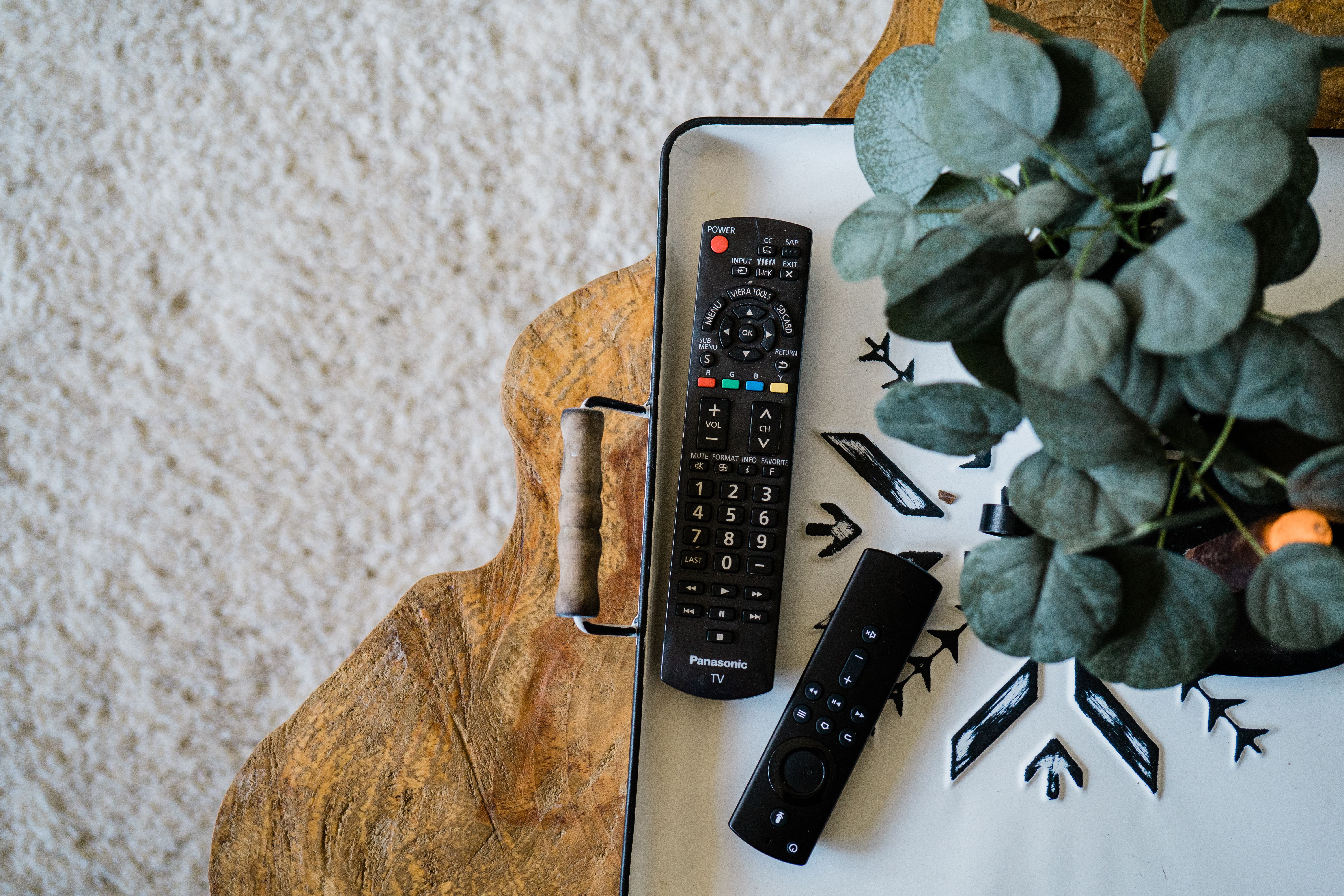
The remote is one of the parts of a streaming setup you use most often.
Useful features can include:
-
Backlit buttons
-
Voice control
-
Clear button placement
-
Easy pairing
-
Volume controls
-
Simple navigation
A powerful streaming device can still feel inconvenient if the remote is difficult to use.
This matters even more when several people share the same TV.
App Compatibility Comes First
A long specification list is not useful if the device cannot run the apps you actually need.
Before purchasing, check whether your preferred legitimate apps are officially supported on the operating system and in your region.
App availability can change over time, so current compatibility matters more than assumptions based on older models.
This should be one of the first things you check before buying.
When Does an External Streaming Device Make Sense?
You may want to consider an external streaming device when:
-
Your TV screen still looks good but the interface feels slow
-
You need more storage
-
You want a different operating system
-
You prefer different remote or voice-control features
-
Your current TV software no longer meets your needs
On the other hand, if your smart TV already performs well and supports everything you use, there may be little reason to add another device.
You do not need to upgrade simply because newer hardware exists.
For households with a TV that still works well but feels limited, it may be worth exploring how you can upgrade your TV without buying a new one.
What Should You Compare Before Buying?
When evaluating a streaming device in 2026, focus on the complete experience.
Check:
-
Operating system
-
App compatibility
-
RAM
-
Storage
-
Video format support
-
Wi-Fi capabilities
-
Ethernet availability
-
Remote features
-
Voice-control options
-
Ease of setup
-
Software support
-
Price
Then compare those features with the problem you are trying to solve.
Someone with an older smart TV may prioritize speed. Another household may want more storage. Someone with connection problems may care more about networking.
The right device depends on how you use your television.
The Bottom Line
Recent changes in the streaming industry reinforce an important point: the platform behind your television is no longer a minor feature.
Apps, search tools, connectivity, the remote, and the operating system all contribute to the everyday viewing experience.
If your current smart TV works well, there may be no reason to change it.
But if the display is still good while the smart experience feels outdated or limiting, upgrading the streaming device can be an alternative to replacing the entire television.
The best upgrade is not necessarily the newest or most expensive device.
It is the one that solves a real problem in your current setup.
P.S. Looking for a vSeeBox?
Shop directly from vSeeDirect, an authorized vSeeBox retailer
Use code vseebox28 at checkout to save $35 on your order.
Sources & References
-
U.S. Securities and Exchange Commission — Roku, Inc. Form 8-K, October 14, 2026
-
U.S. Securities and Exchange Commission — Fox Corporation Form 8-K, October 14, 2026
-
Fox Corporation — Fox Corporation to Acquire Roku, Inc., June 15, 2026