

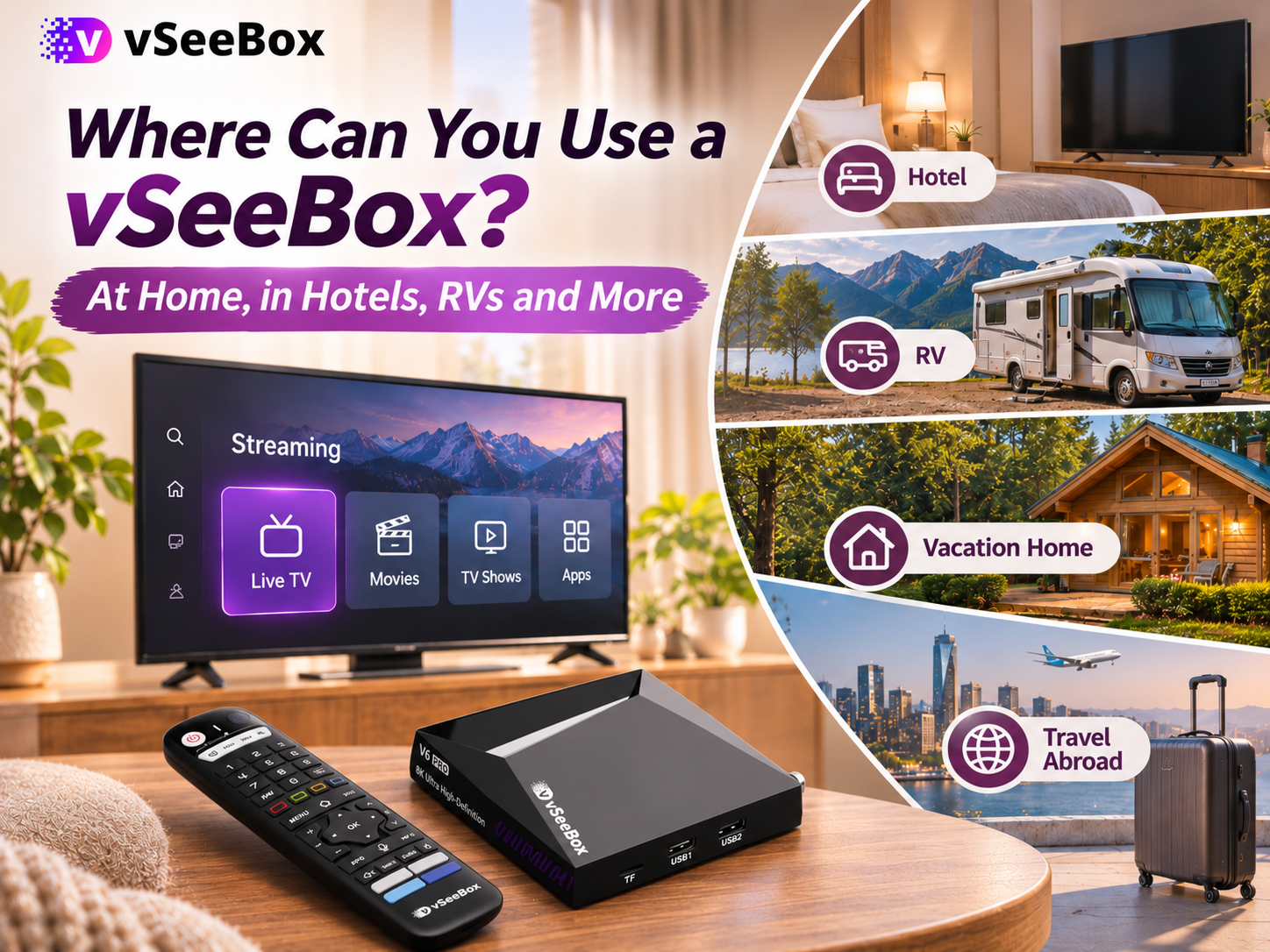
Planning a trip and wondering if you can take your vSeeBox with you?
You can move your vSeeBox from home to another location, such as a friend’s house, a vacation rental, a hotel, or an RV. You’ll need a compatible TV, suitable power, and an internet connection.
The setup is similar to using it at home, but there are a few things to check before you leave—especially when it comes to hotel TVs and campground Wi-Fi.
What Do You Need to Use vSeeBox Away From Home?
Before your trip, pack:
- Your vSeeBox and its power adapter
- The vSeeBox remote
- An HDMI cable
At your destination, you’ll also need:
- A TV or monitor with an accessible HDMI input
- A suitable power source
- A Wi-Fi or Ethernet internet connection
Make sure you can select the correct HDMI input on the TV. If you plan to use Wi-Fi, it also helps to have the network name and password ready.
 Can You Take vSeeBox to Another State?
You can bring your vSeeBox when visiting friends or family in another state.
Once you arrive, connect the box to a compatible TV and power source. Then connect it to the internet using the available Wi-Fi or Ethernet connection.
For example, if you normally use your box in your living room but are staying with family for the weekend, you can disconnect it at home and set it up on their TV.
You don’t need to purchase another box just because you’re using it at a different address.
What Happens When You Return Home?
Connect the vSeeBox to your TV and power as usual. If it doesn’t reconnect to your home Wi-Fi automatically, select your home network and enter the password if prompted.
If you normally use Ethernet, reconnect the cable to your home router.
Start by checking the network connection. A factory reset is not normally part of moving your vSeeBox to another location.
Can You Use vSeeBox in a Hotel?
You may be able to use your vSeeBox in a hotel, but check two things before your trip: the TV’s HDMI input and the hotel’s internet connection.
1. Check the hotel TV
Your box needs to connect to an accessible HDMI port. You also need a way to change the TV to that HDMI input.
Some hotel TVs have ports that are difficult to reach, or their input settings may be restricted. Before booking, ask the hotel:
“Can I connect my own streaming device to the room’s TV and change the HDMI input?”
2. Check how the hotel Wi-Fi works
Some hotels ask guests to complete a sign-in page before using the internet. You might need to enter your room number or accept the network’s terms.
If your vSeeBox connects to the Wi-Fi network but an app won’t load, check whether the hotel requires an additional sign-in. If the page doesn’t appear or you can’t complete it, ask the front desk how to connect a streaming device.
A personal mobile hotspot may be another option if your phone, plan, and signal support it. Check your data allowance before streaming.
 Can You Use vSeeBox in an RV?
You can take the same vSeeBox you use at home with you in your RV. You’ll need a TV with an accessible HDMI input, suitable power for the box, and an internet connection.
For many campers, the biggest question is the internet. Here are a few options to consider:
| Internet option | What to check |
|---|---|
| Campground Wi-Fi | Check whether the signal reaches your RV and whether the network requires a separate sign-in. Performance may change when many guests are online. |
| Mobile hotspot | Check your signal and hotspot data allowance. Some plans may reduce speeds after you reach a limit. |
| Cellular or satellite internet | Check coverage, equipment, power requirements, and your plan’s terms for the places you intend to visit. |
If video keeps buffering, test another device on the same network. If both devices are having trouble, the connection may be the cause. You can also try another available connection, such as your personal hotspot, if your plan and signal support it.
Some apps may offer video-quality settings. If yours does, choosing a lower quality may help on a slower connection. Available settings and steps depend on the app.
 Can You Use vSeeBox at a Vacation Home or Cabin?
A vacation home, cabin, or rental property can be another place to use your vSeeBox.
Before you travel, check whether the property has an internet connection and a TV with an HDMI input you can access. If you’re staying at a rental, ask the host for the Wi-Fi details and whether you can connect your own device to the TV.
Once there, connect your box and select the property’s network. When you return home, reconnect to your home network if needed.
Can You Use vSeeBox in Another Country?
You may be able to bring your vSeeBox to another country, but check the power supply and your preferred apps before you travel.
Look at the input voltage printed on your vSeeBox power adapter and compare it with the power supply at your destination. You may also need a plug adapter that fits the local outlet.
A plug adapter changes the plug shape; it does not necessarily convert voltage. If the voltage isn’t compatible, check the manufacturer’s guidance for a suitable power solution.
App and content availability can also vary by country and service. If a particular app is important to your trip, check with its provider before leaving.
How to Connect vSeeBox to Wi-Fi in a New Location
After connecting your vSeeBox to the TV and power:
- Turn on the TV and select the HDMI input connected to your vSeeBox.
- Open the box’s network or Wi-Fi settings.
- Select the Wi-Fi network you want to use.
- Enter the password if required.
- Follow any additional instructions, then open an app to check the connection.
The exact menu names may vary by model and software version. If the network requires a separate sign-in page, ask the property or network provider how to connect a streaming device.
For more help with the initial setup, see our vSeeBox setup guide.
Frequently Asked Questions
Q: Do I need to buy another vSeeBox when I travel?
A: You can bring your existing vSeeBox with you and connect it to a compatible TV, power source, and internet connection at your destination.
Q: Do I need a VPN to use vSeeBox away from home?
A: A VPN is not a basic requirement for connecting your vSeeBox to a TV and the internet. Individual apps and services may have their own access requirements.
Q: Can I use my vSeeBox at home and in my RV at the same time?
A: In a typical setup, one box connects to one TV at a time. You can move it between your home and RV, but if you want independent viewing in both places at the same time, you’ll need a separate box at each location.
Take Your Entertainment With You
Whether you’re visiting family, staying at a cabin, or heading out in your RV, you can bring your vSeeBox along. Check the TV, power, and internet connection before you leave so you know what to expect when you arrive.
If you’re looking for a device for everyday viewing, the vSeeBox V6 Max offers 64GB of storage and a backlit voice remote—handy when you’re choosing something to watch in a dimly lit room.
A Special Offer for Your Order
Use code 353535 at checkout to save $35 on your order.