

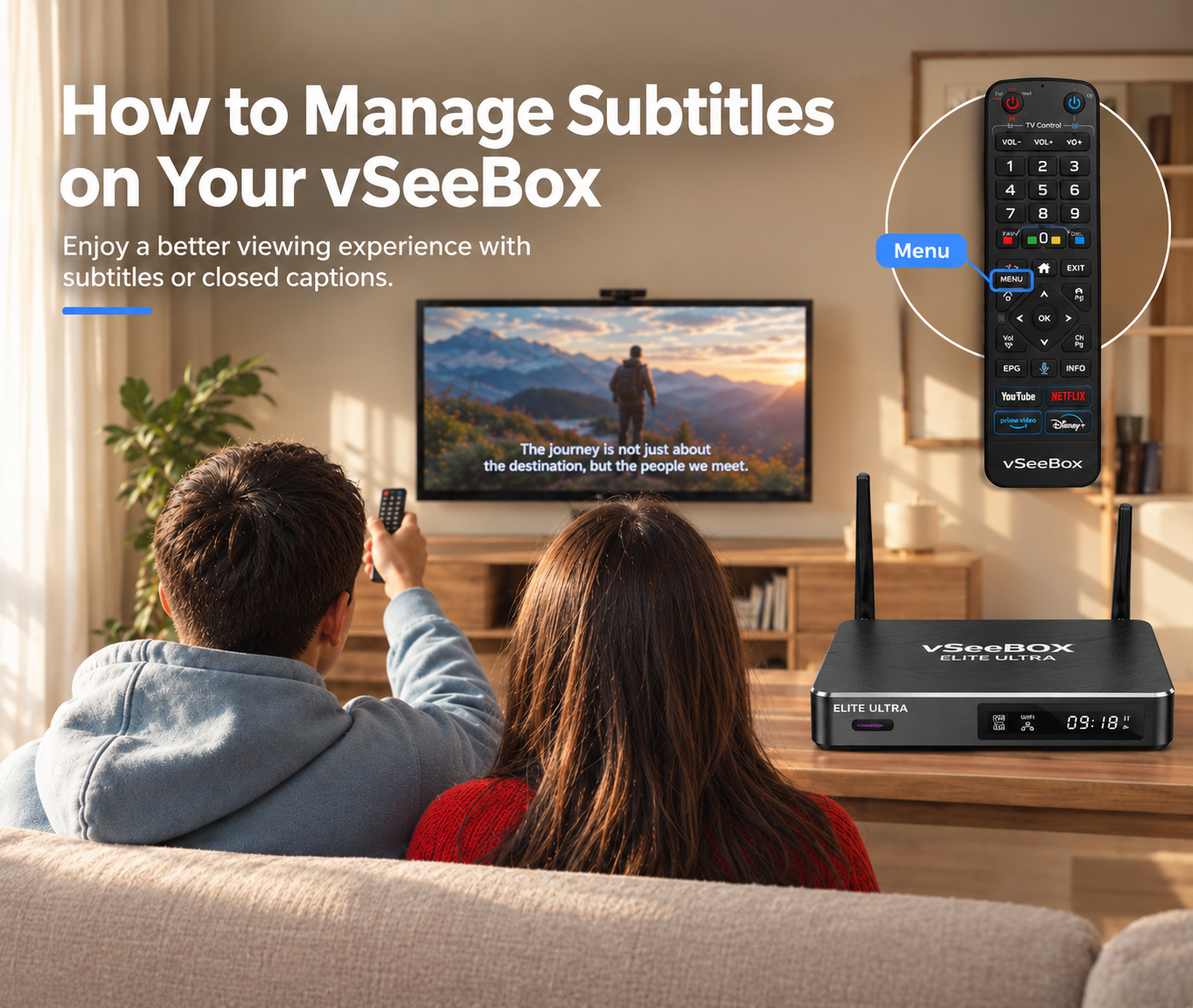
You can manage subtitles while watching supported VOD content with your vSeeBox remote.
How to Turn On Subtitles
1. Start the video
Play the VOD content you want to watch.
2. Press Menu
While the video is playing, press the Menu button on your remote.
3. Select Subtitles
Find and select Subtitles or Closed Captions.
4. Choose a Subtitle Option
Select the available subtitle or caption option you want to use.
How to Turn Off Subtitles
Follow the same steps and open the Subtitles menu. Then select None to turn subtitles off.
If You Don't See Subtitles
Subtitle availability depends on the content you're watching. If there is no Subtitles or Closed Captions option, that particular content may not support subtitles.
For further settings, please refer to News and the FAQs.