

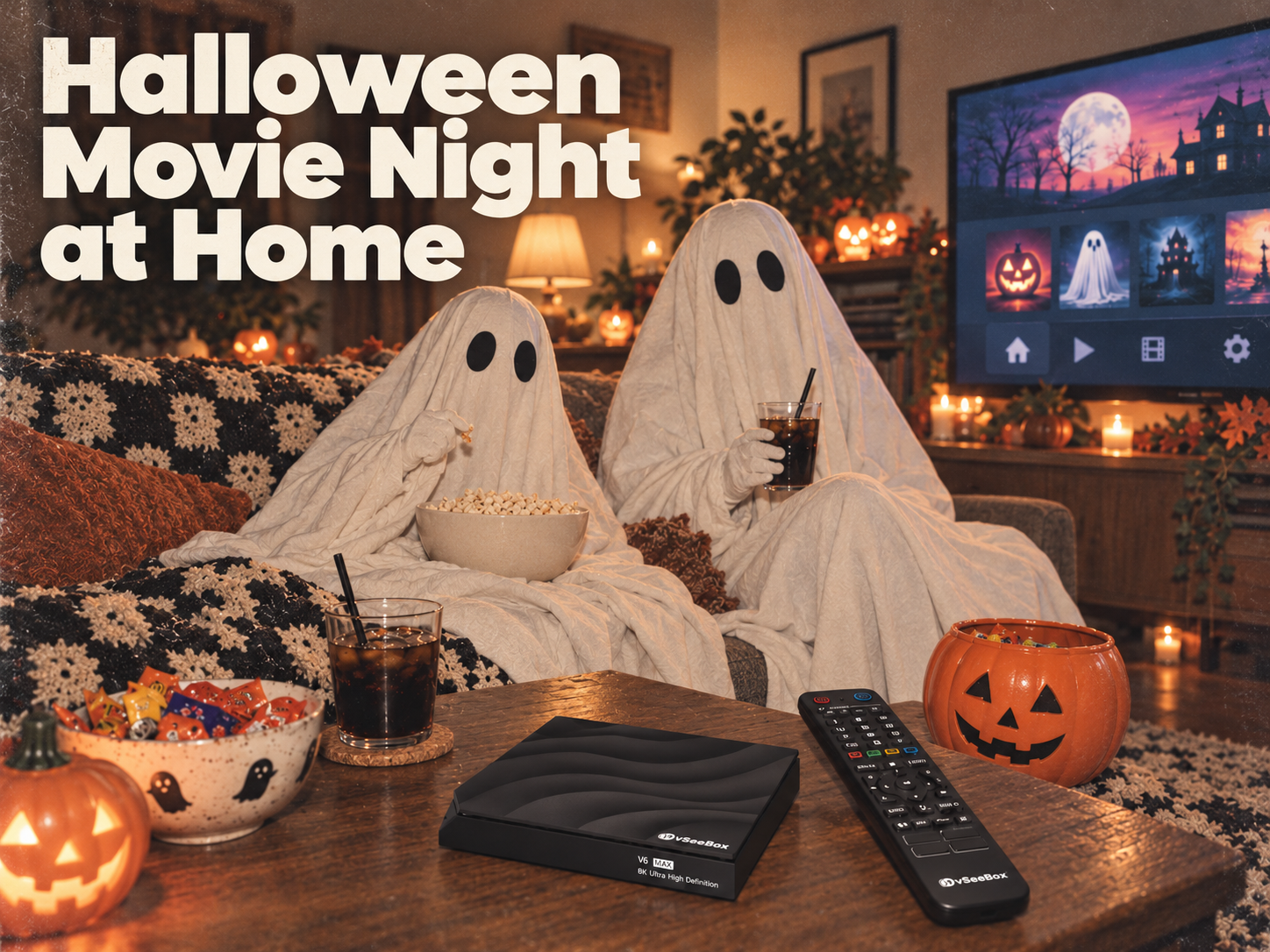
The trick-or-treating is finished, the candy bowl is on the table, and everyone is ready to settle onto the sofa. A Halloween movie night at home can be a simple way to end the evening together.
You do not need elaborate decorations or a new television to make it feel special. A little preparation can leave more time for the movie and less time looking for the remote.
Quick Halloween Movie Night Checklist
Before everyone sits down:
- Choose your movie and confirm where you can watch it.
- Test your TV, connected device, and internet connection.
- Soften the lighting and put the remote within reach.
- Check the sound and available subtitles.
- Bring over snacks, drinks, and blankets.
Here are five easy ways to put that checklist into practice.
1. Choose Your Movie Before Everyone Sits Down
Start with the people watching. Does your group want a nostalgic comedy, a supernatural adventure, or a proper scare?
Agree on one main movie and one backup choice. That keeps the evening from turning into a long discussion while everyone scrolls through options.
If children are joining, check the age rating and content information. A colorful poster or a familiar character does not necessarily mean a film is suitable for younger viewers.
Confirm an authorized viewing option in your region, including any subscription, rental, or purchase requirements. Open the movie ahead of time so you know where to find it when everyone is ready.
Need inspiration? Read our three Halloween movie picks for a spooky night in.
2. Give Your TV Setup a Quick Check
A few minutes of preparation can help you catch a loose cable or a missing remote battery before the opening scene.
Turn on your television and any connected device. If you use a vSeeBox, check its power and HDMI connections, then select the matching HDMI input on your TV.
Confirm your internet connection and try playing some content through the app you plan to use. If your setup allows it, Ethernet is another connection option.
Check the remote batteries and finish any setup steps that need your attention. Try the controls from your usual seat, so you know the remote is working before the room gets dark.
3. Dim the Lights—and Keep the Remote Easy to See
For a little Halloween atmosphere, try a warm lamp, a battery-powered pumpkin light, or a few simple decorations near the seating area. Position lights so they do not reflect directly on the screen.
Keep the remote somewhere easy to reach, rather than underneath a blanket or between the sofa cushions.
This is where the vSeeBox V6 Max’s backlit voice remote becomes a useful detail. When the room is dim, illuminated buttons are easier to identify without turning the main lights back on.
You can keep the decorations simple. A comfortable seat and a softly lit room are enough to make the evening feel different from an ordinary night.
4. Set the Sound, Subtitles, and Snacks
Before the movie starts, play a short section and adjust the volume to a comfortable level for everyone.
If someone prefers subtitles, check whether the selected movie and app provide them. Turn them on beforehand and make sure they are readable from the sofa. vSeeBox users can find basic subtitle steps in our vSeeBox FAQs.
Set out popcorn, drinks, and a small bowl of Halloween candy within easy reach. Bring over a blanket if the room gets cool.
For a double feature, plan a short break between films. It gives everyone time to refill drinks and decide whether they are ready for another movie.
5. Choose a Setup You Will Use After Halloween
Once you have a comfortable movie-night setup, you can use it for weekends, visiting family, and quiet evenings throughout the year.
If you are considering a vSeeBox, choose based on the features you will use regularly.
| Model | Storage | Remote | Consider it if… |
|---|---|---|---|
| vSeeBox V6 Max | 64GB | Backlit voice remote | You want more storage and buttons that are easier to see in a dim room. |
| vSeeBox V6 Pro | 32GB | Voice remote | You want a value-focused option for everyday viewing. |
Both models support Wi-Fi 6 and Ethernet connectivity. Storage capacity does not determine which movies an app carries. Content availability and any subscription, rental, or purchase charges depend on the services you choose.
vSeeDirect is an independent authorized vSeeBox retailer serving the United States and Canada. Our team can help you compare models before ordering.
Halloween Movie Night Questions
Q: Do I need a new TV for a Halloween movie night?
A: Usually, you can use the television you already own. If you want to connect a vSeeBox, check that your TV has an available HDMI input. You will also need power and an internet connection. For a TV without HDMI, ask about compatibility before buying a device or adapter.
Q: What is useful about a backlit remote for movie night?
A: A backlit remote illuminates its buttons, making them easier to identify when the room is dim. The vSeeBox V6 Max includes a backlit voice remote, which can be convenient when you want to keep the lights low.
Your Halloween Treat Awaits! 🎃
Thinking about a vSeeBox for your next movie night? Open our store’s online chat and send “TREAT” to discover our special Halloween offer.
We will help you compare the V6 Max and V6 Pro, explain the promotion, and guide you through placing your order.
For other questions, contact support@vseedirect.com.