

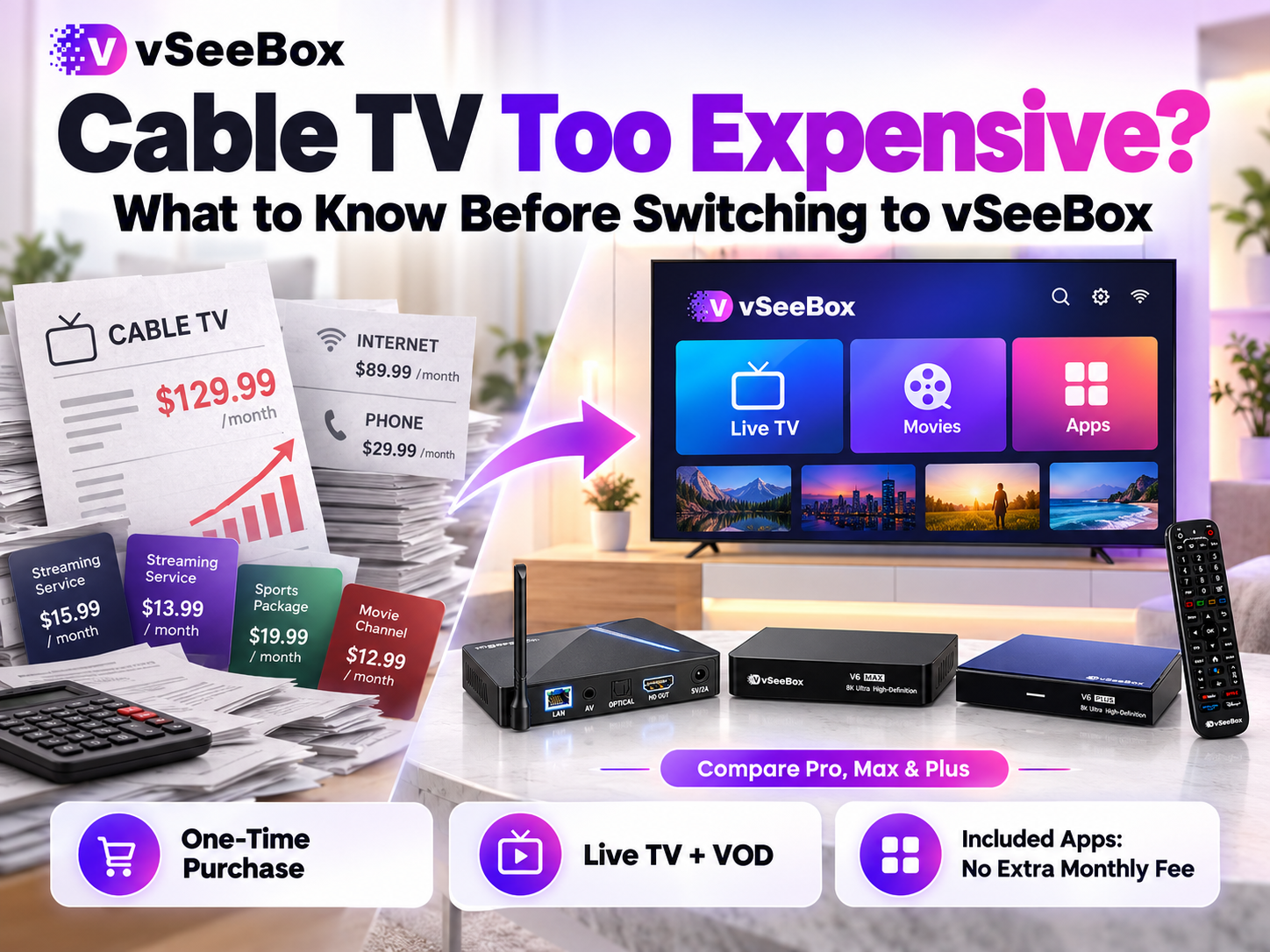
You pay your cable bill every month. Then you discover that watching something you want requires another subscription.
One service carries live sports. Another has the shows your family enjoys. Your total spending grows, but finding something to watch still means switching between services.
If you are tired of managing too many streaming subscriptions, start by reviewing what you watch and what you pay. Here is what vSeeBox offers, how its included apps differ, and what to check before replacing your cable setup.
Why Cable TV and Streaming Subscriptions Add Up
A television package may cover some of your viewing needs while leaving others to separate subscriptions. Adding services throughout the year can make the total harder to track.
A 2025 AP-NORC survey found that 40% of American adults had subscribed to a streaming service for a particular show or sports season during the previous year. Meanwhile, 32% had canceled a service after finishing a show or season. [1]
For sports viewers, the overlap can be especially frustrating. AP’s reporting found that about four in ten people who follow sports very or extremely closely used both cable or satellite TV and a sports-only streaming platform. [2]
Before adding another subscription, ask: Which services do we use regularly, and what are we paying for each month?
What Is vSeeBox, and How Does It Work?
vSeeBox is an Android-based home entertainment device that connects to a television and uses your home internet connection.
Connect it to a compatible TV through HDMI, connect to Wi-Fi or Ethernet, and complete the setup. You then use the remote to open apps and browse programming.
There are two main viewing options:
- Live TV: Watch programming as it airs.
- Video on demand, or VOD: Select a movie or TV episode and start watching when you choose.
The included app combination depends on the model. Understanding each app’s purpose helps you decide whether the device fits your household.
Does vSeeBox Have a Monthly Fee?
The apps included with the vSeeBox models we sell do not require an additional monthly subscription. The device is a one-time purchase.
Separately installed third-party services may require their own paid subscriptions. Your home internet connection is also paid separately.
| Expense | What you pay |
|---|---|
| vSeeBox device | One-time purchase |
| Apps included with your model | No additional monthly subscription |
| Separately installed third-party services | Any fees required by that service |
| Home internet | Your internet provider’s charges |
 What Do the Included vSeeBox Apps Do?
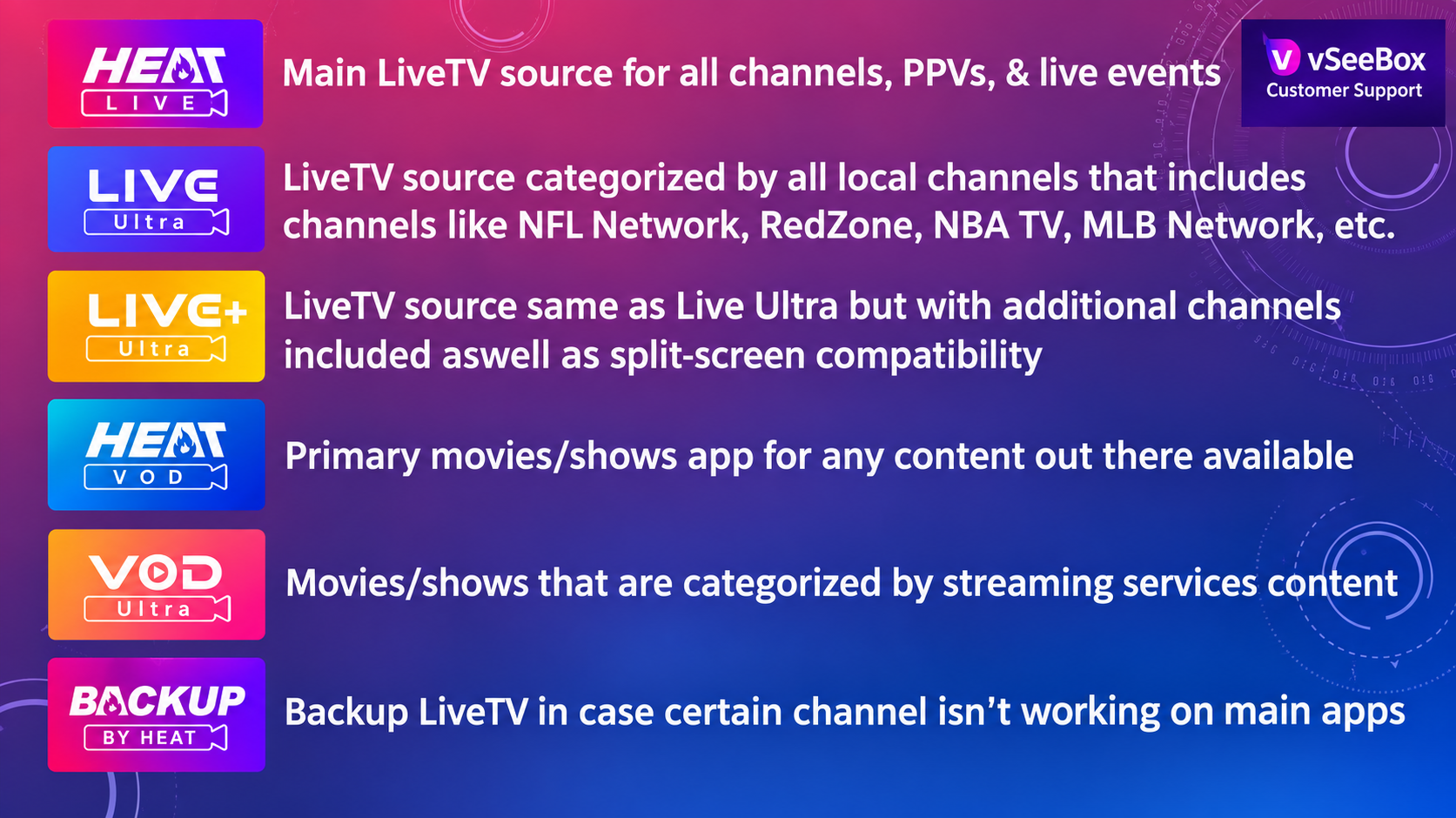
The V6 Pro and V6 Max include four apps. The V6 Plus includes those four apps plus Live Ultra and Live Ultra+.
The table below explains their functions based on our current product information.
| App | Main purpose | Included models |
|---|---|---|
| Heat Live | Main live TV app for programming as it airs, including live-event categories | Pro, Max, Plus |
| Heat VOD | Browse and select movies or TV episodes for on-demand viewing | Pro, Max, Plus |
| VOD Ultra | Another movie and TV library, with browsing categories organized by streaming service | Pro, Max, Plus |
| Backup TV | An alternative live TV option to try when a channel has a problem in the main app | Pro, Max, Plus |
| Live Ultra | Additional live TV browsing, including local and sports channel categories | Plus |
| Live Ultra+ | Additional channels and split-screen viewing on compatible models | Plus |
The four-app and six-app combinations also match an external comparison of devices tested in August 2026.
For everyday viewing, start with Heat Live for live TV and Heat VOD for movies and shows. Try the other apps when you want another browsing layout or an alternative viewing option.
Why Are There Several Live TV Apps?
Some channels appear in more than one app. The differences include how programming is categorized and which viewing features are available.
You may prefer one layout for everyday television and another for finding local programming or browsing sports categories.
Live Ultra+ also supports split-screen viewing on compatible models. The V6 Plus product page describes watching multiple channels on one screen. [3]
Can vSeeBox Replace Cable TV in Your Home?
That depends on what your family watches.
Before canceling cable, make a short list of your essentials: local news, live sports, movies, TV series, or international programming. Confirm current availability for the model and apps you are considering.
Once set up, try the device during your normal viewing hours. Check whether your internet connection supports reliable playback and whether everyone can comfortably find programs.
Keep any service you still need until you have confirmed that your new setup meets those needs. This helps you avoid canceling something you later discover you want to retain.
How Much Could You Save?
Use your own bills to calculate potential savings.
Add your television package, entertainment add-ons, and streaming subscriptions. If television and internet are bundled, ask your provider what internet alone would cost.
Then calculate:
Monthly savings = current monthly spending − ongoing spending after switching
Include retained subscriptions and any change in internet pricing. Check cancellation charges and equipment return requirements.
The device purchase is an upfront expense. Your savings depend on the recurring costs you can actually remove.
Should You Choose V6 Pro or V6 Max?
Both models include the same four-app package. Choosing the Max adds storage and a backlit voice remote; it does not add the two live TV apps included with the Plus.
| Your priority | Model to consider |
|---|---|
| Lower upfront purchase cost and 32GB storage | V6 Pro |
| 64GB storage and illuminated remote buttons for a dark room | V6 Max |
For split-screen viewing, compare the V6 Plus.
Explore the models at vSeeDirect, an authorized vSeeBox retailer serving the United States and Canada. Have questions before ordering? Read our vSeeBox FAQs or email support@vseedirect.com for help comparing models.
Sources
- AP-NORC — August 2025 original survey results
- Associated Press — Sports viewers’ concerns about costs and multiple services
- vSeeBox — V6 Plus product information and split-screen feature
App functions, model packages, and included-app fee information are based on vSeeDirect’s current product materials. Available apps, content, and features may change with updates.